
Tutoring Services Across Canada

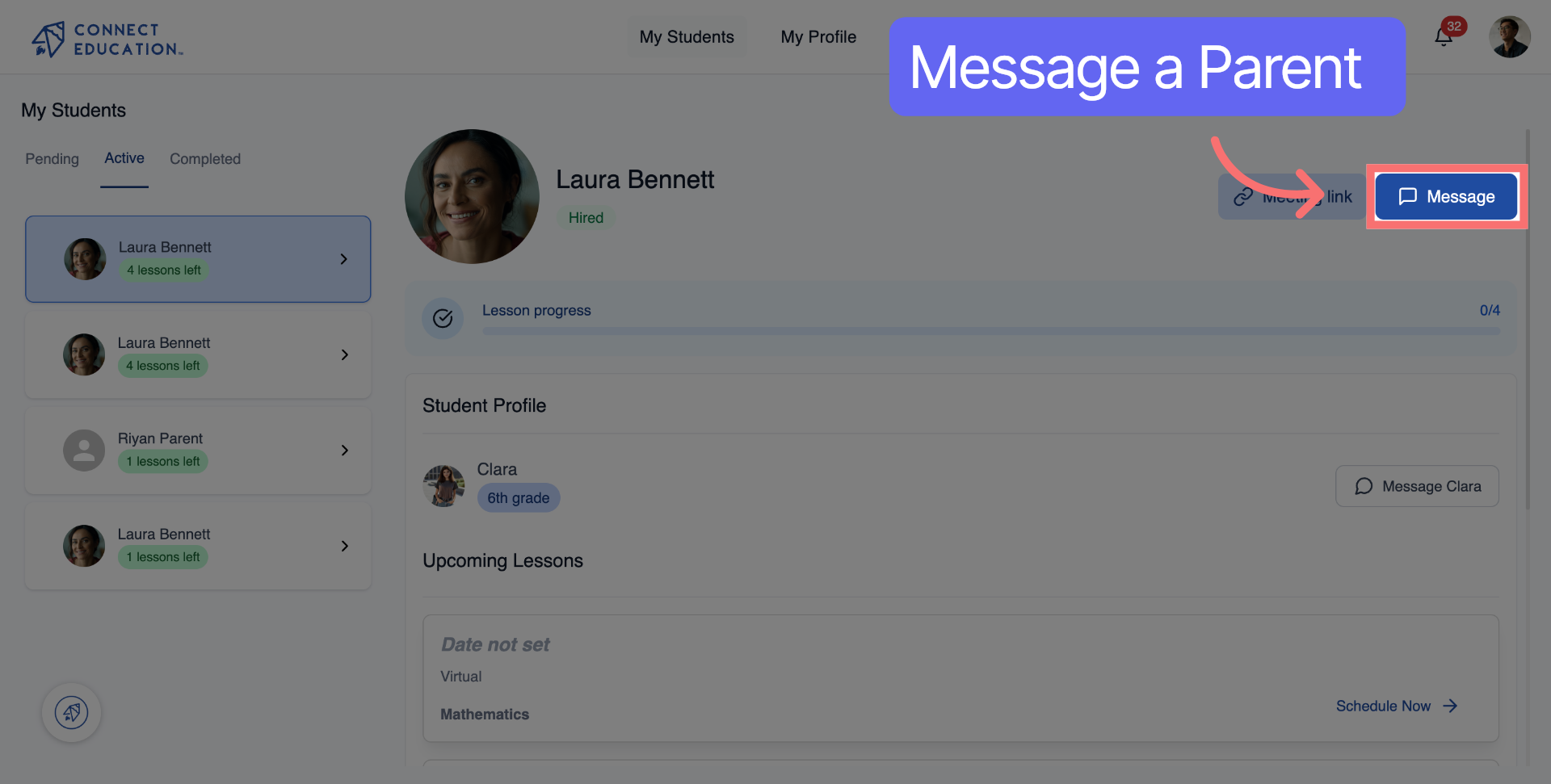
Click "Message" to open the chat interface with the parent or student.
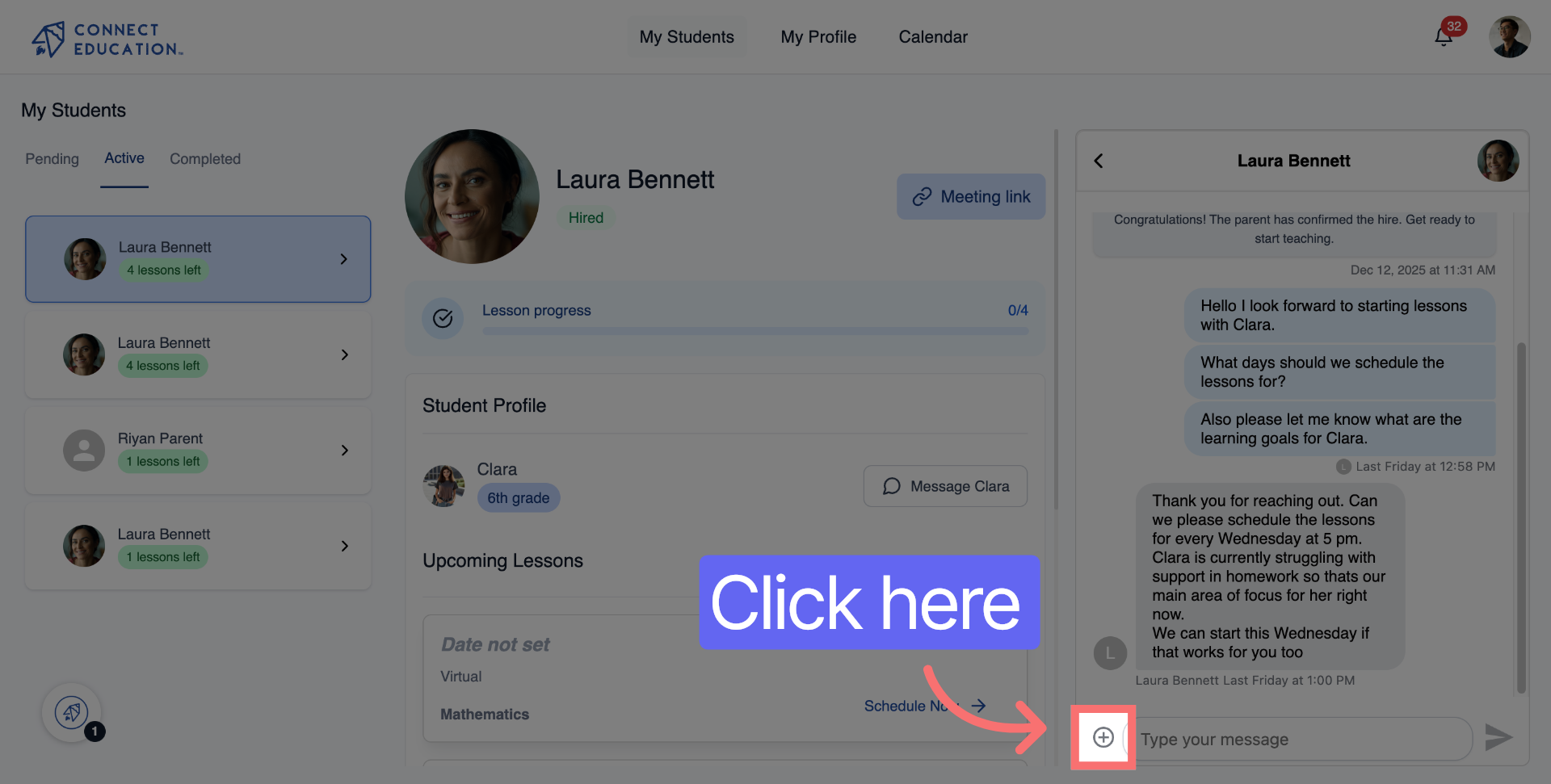
Click the attachment icon in the chat window to access the document upload option.
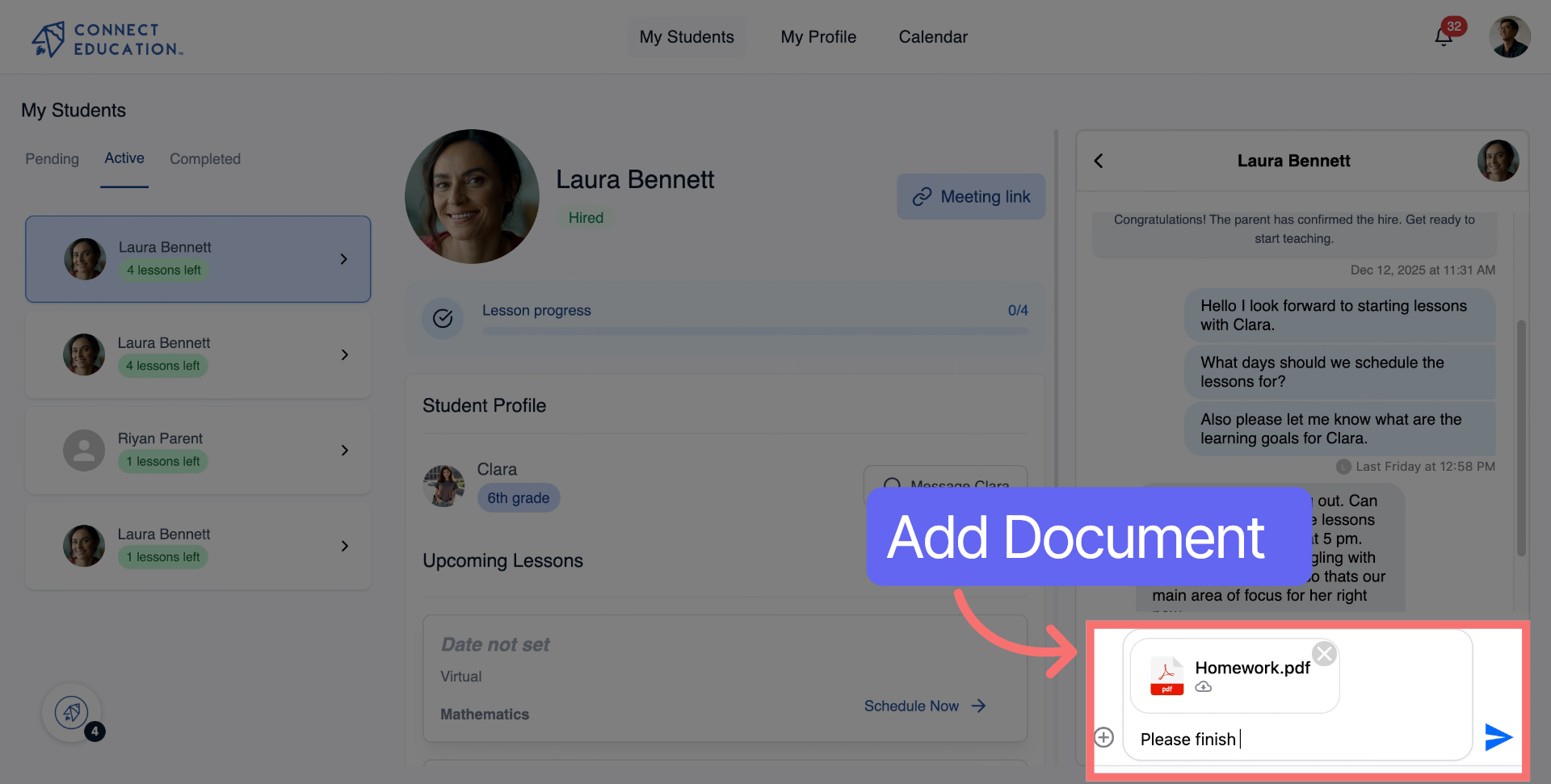
Type a short message to accompany your document, such as "Please finish this before our next class."
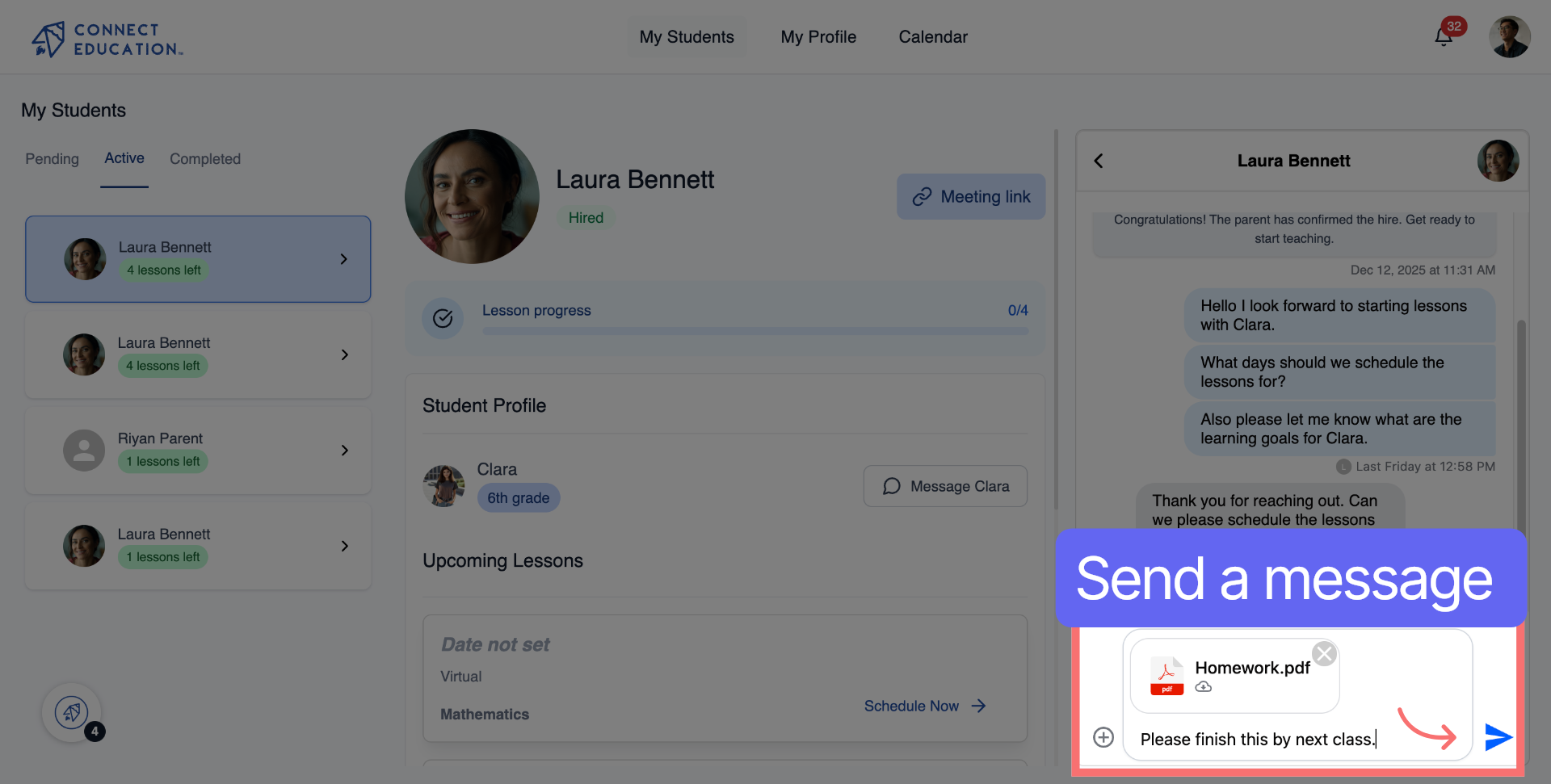
Click "Send" to deliver your message and the attached document through the chat.
• You can send documents to both parents and students from the same chat thread.
• Supported file types include PDFs, Word documents, and images.
• Adding a short note with your document helps the recipient understand what it is and what to do with it.
• You can access the chat from your teacher dashboard or from a student's profile page.
• Documents sent through chat are visible to both the parent and the student linked to the same account.



Questions about matching, scheduling or pricing? Reach us whichever way suits you, and our team will take it from there.


