Make sure your profile is approved, with your photo, bio, subjects, grades and rates filled in. Your card links straight to it.
Open the digital consent form, tick the teacher card option and click "Submit consent". Use the email on your Connect Education account.
Send a sharp, well-lit photo of just you to marketing@connecteducationinc.com with the subject line "Teacher Card - [First Name] [Last Name]".
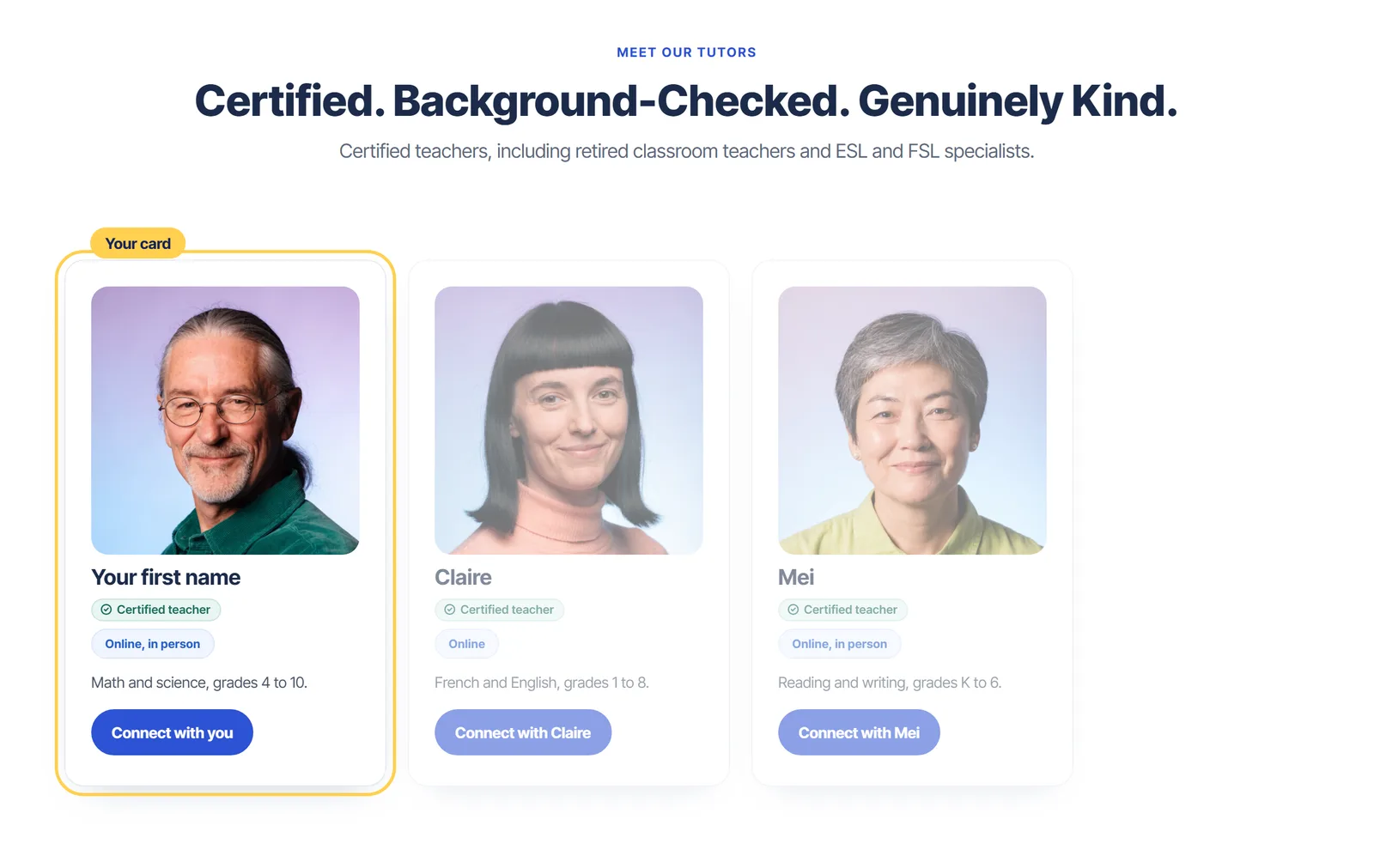
Our team adds your card to the Meet our tutors sections on pages like Find a Tutor and our subject pages, with a Connect button that opens your profile.
Your first name and photo, a "Certified teacher" badge, whether you teach online or in person, and your subjects and grades. Families never see your email, phone number or home address. Here is how it looks in a Meet our tutors section:
Join our Tutor Spotlight series on Instagram and Facebook, add a video bio, and share your profile link with families you already know.



Questions about matching, scheduling or pricing? Reach us whichever way suits you, and our team will take it from there.