
Tutoring Services Across Canada

Ask questions before you book, share report cards and homework, and get lesson updates in one private chat between families and certified teachers.











550+ certified, background-checked educators

Every tutor is a licensed teacher in good standing

255+ specialists for IEPs, ADHD, ASD and Dyslexia

Online, in person, or at your local library

Kindergarten to Grade 12

Trusted by families across Canada

ESL and FSL support
550+ certified, background-checked educators
Every tutor is a licensed teacher in good standing
255+ specialists for IEPs, ADHD, ASD and Dyslexia
Online, in person, or at your local library
Kindergarten to Grade 12
Trusted by families across Canada
ESL and FSL support
Every way families and teachers stay in touch inside the app. Pick your side to see what it does for you.
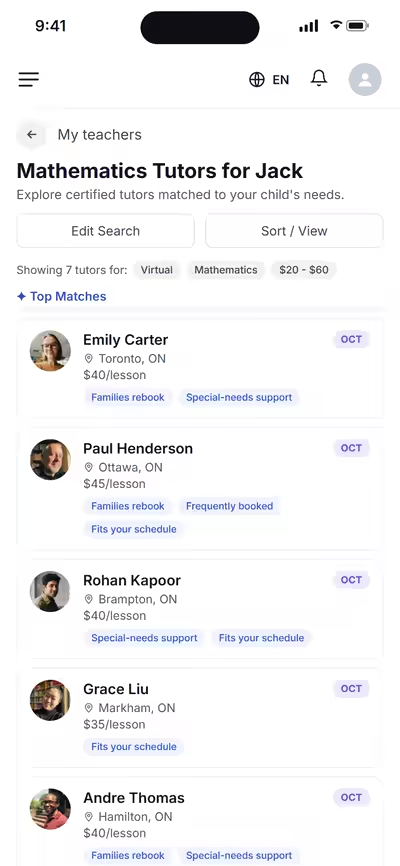
Open a teacher from My Teachers and send a message to ask your questions, even while your request is still pending.
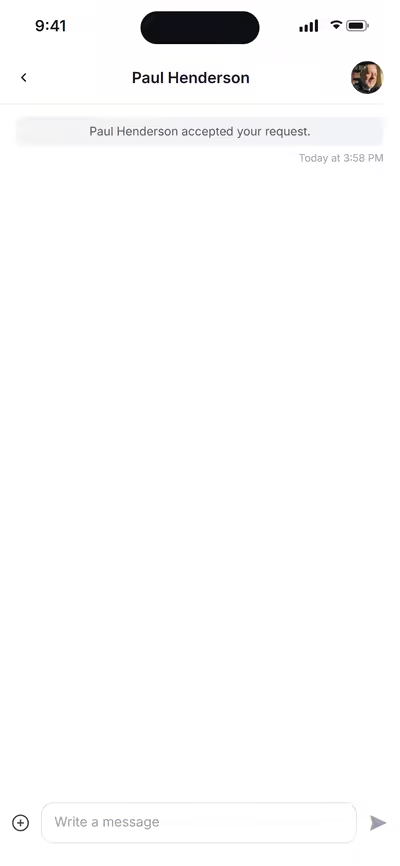
Parents can send files too, like report cards, IEPs, test results or the class syllabus, so the teacher starts with the full picture.
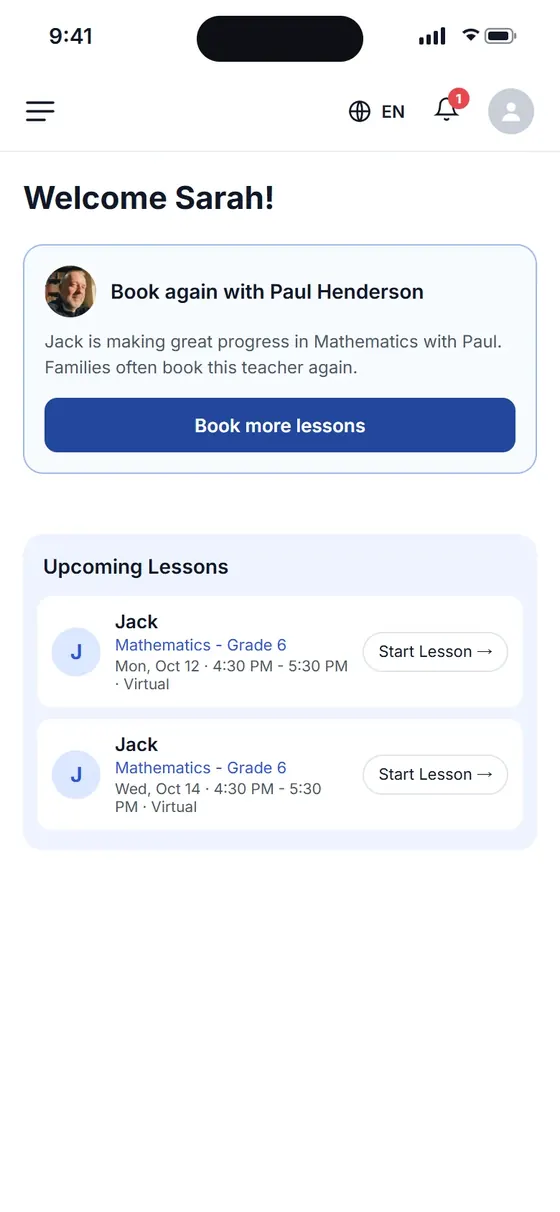
Lesson notes and progress updates appear in your parent account, next to your messages with the teacher, so you always know how lessons are going.
Ask questions before you book, plan lessons together and get updates after each session, all in one private chat.
 Chat with the teacher
 Lesson updates
See how matching and scheduling work.
The next pages worth a look, and the rest of the platform.

Questions about matching, scheduling or pricing? Reach us whichever way suits you, and our team will take it from there.
 Private and secureCertified educators only
Yes. You can send a message from the teacher's profile to ask questions before you book a lesson.
Lesson notes and progress updates appear in your parent account, next to your messages with the teacher.
Yes. Messages stay between you and your child's teacher inside the platform.
New messages show in your notifications, and your full chat history is saved in the app.
Yes. Attach PDF, Word or image files in the chat, such as report cards, IEPs or test results, so the teacher starts with the full picture.
Yes. The chat works on your phone, tablet or computer, so you can reach the teacher wherever you are.
Yes. The parent and the student on the account both see the chat, so homework, files and lesson notes reach you both.
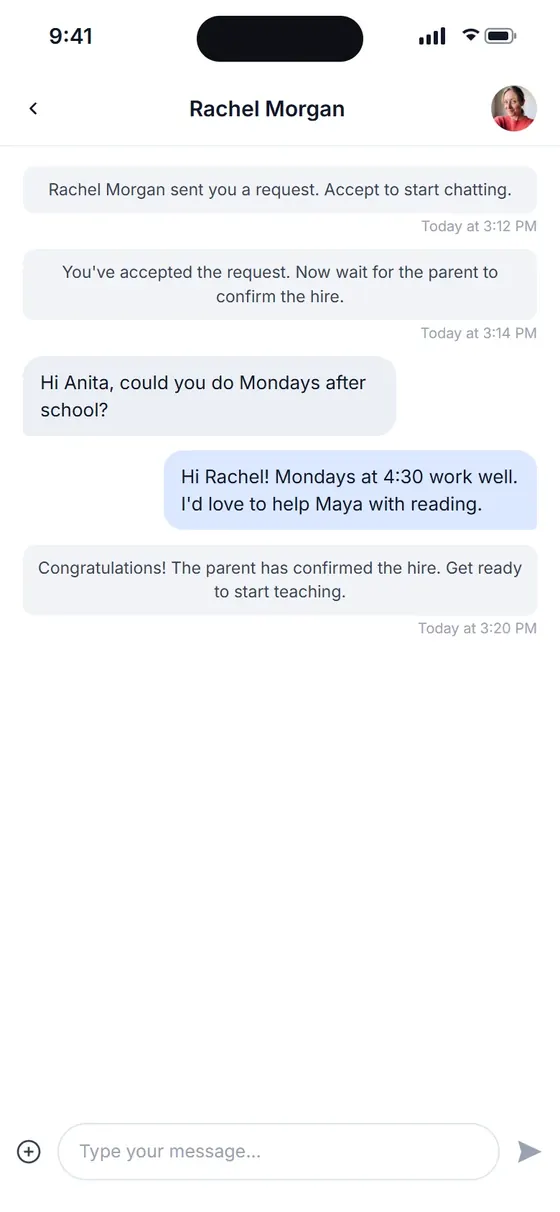
When you accept a request, the chat opens with the family. Agree on goals and times, then send your booking link from the same screen.
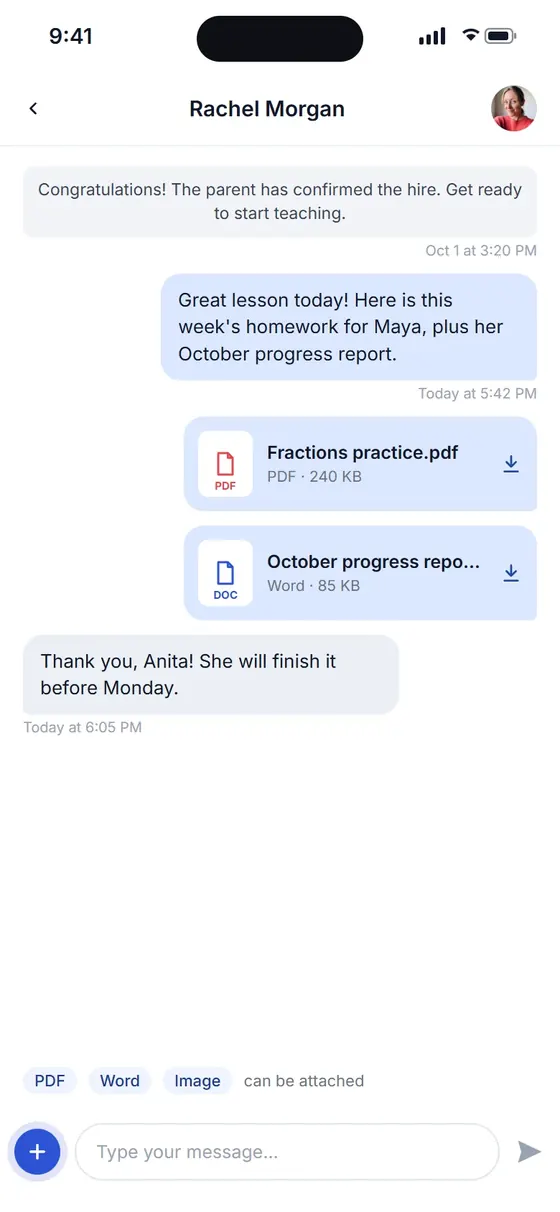
Attach a PDF, Word file or image in the chat: homework for the student, a progress report for the parent.
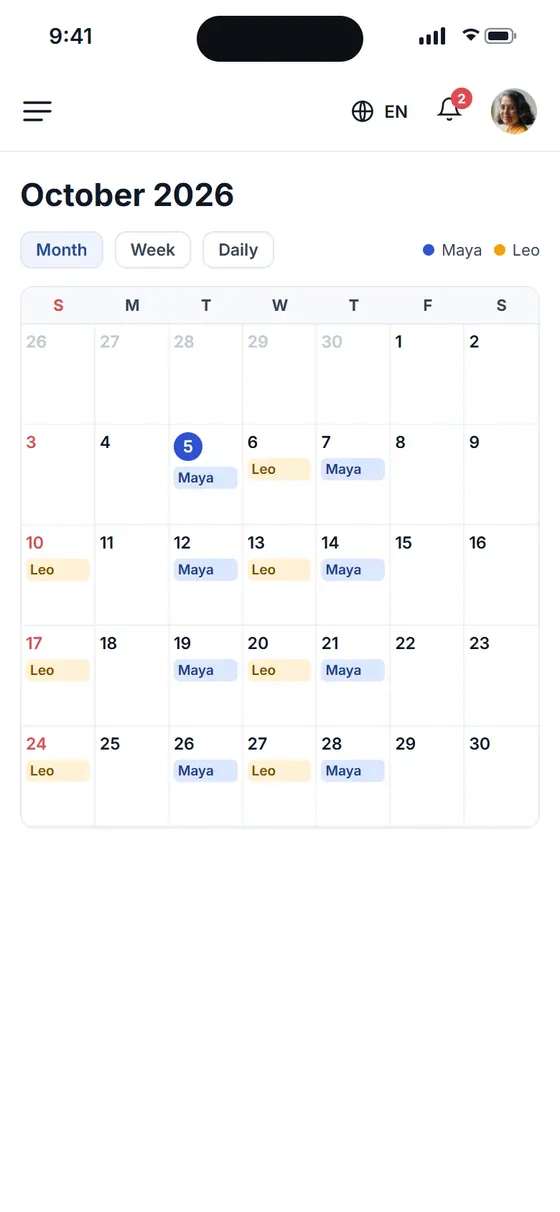
After each lesson, share a short note on what you covered and what comes next. Families see it in their parent account, next to your messages.
 Chat with familiesDo Not Disturb mode
Requests, questions and lesson plans sit in one chat per family, so you spend less time on admin and more time teaching.


Open to licensed teachers. Read how to start tutoring.
The next pages worth a look, and the rest of the platform.
Questions about matching, scheduling or pricing? Reach us whichever way suits you, and our team will take it from there.
 Free to join
 Set your own rates
Families send a request or a message from your profile. You get a notification and reply in the app.
Yes. Switch on Do Not Disturb whenever you need a break, and update your availability so families only request open times.
Yes. Tap the plus button in the chat to attach a PDF, Word file or image, such as homework for the student or a progress report for the parent.
The parent and the student on the account both see what you share in the chat.
Yes. You get a notification for new requests and messages, and each family's conversation stays in one chat with the whole history.
No. You and the family talk in the platform chat, so your personal phone number and email stay private.
Add lesson notes and progress updates in the app after each lesson. Parents see them in their account, next to your messages.
