
Tutoring Services Across Canada

Log in to your teacher account.
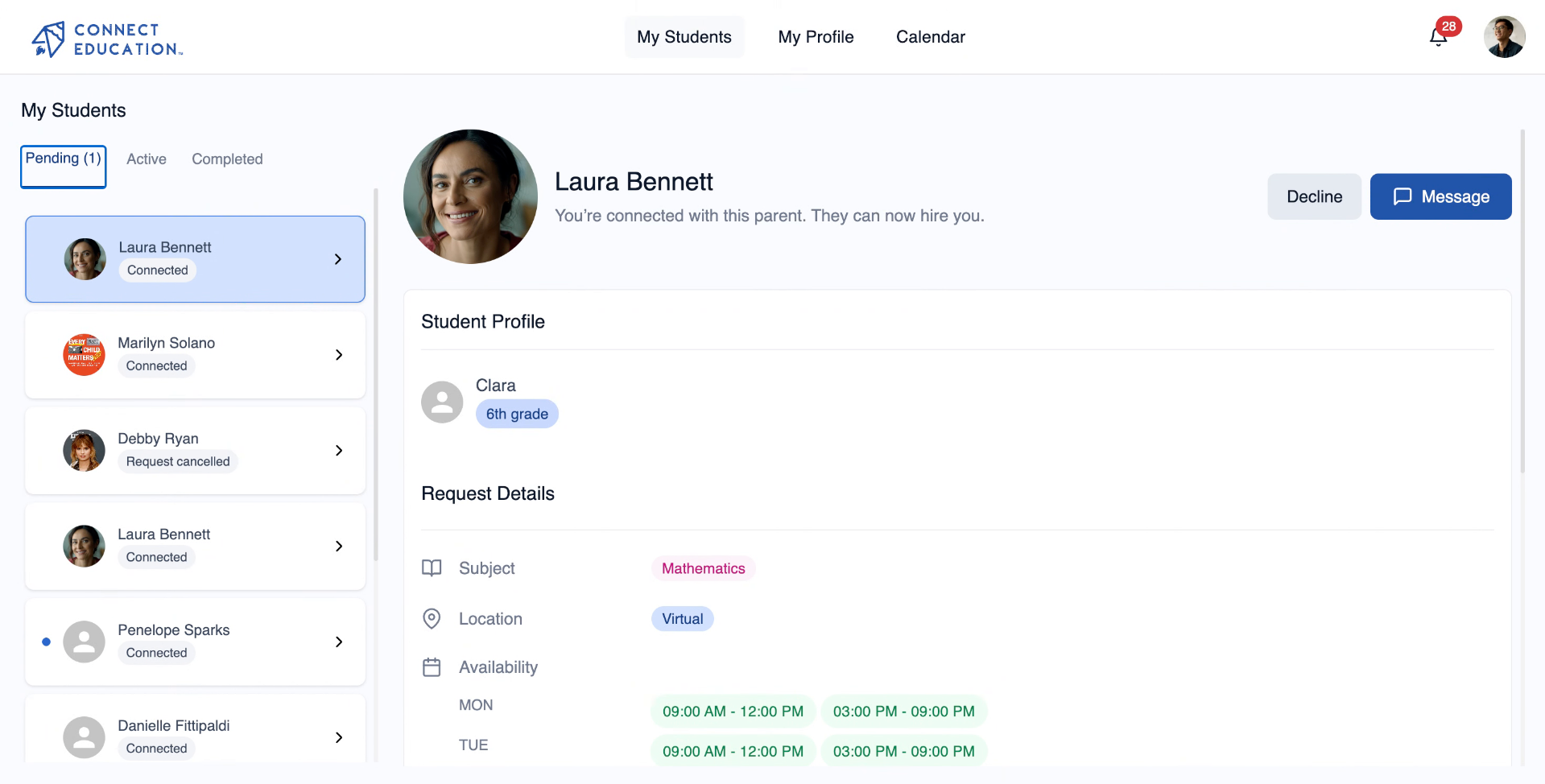
To access the main menu, click on your teacher profile picture.
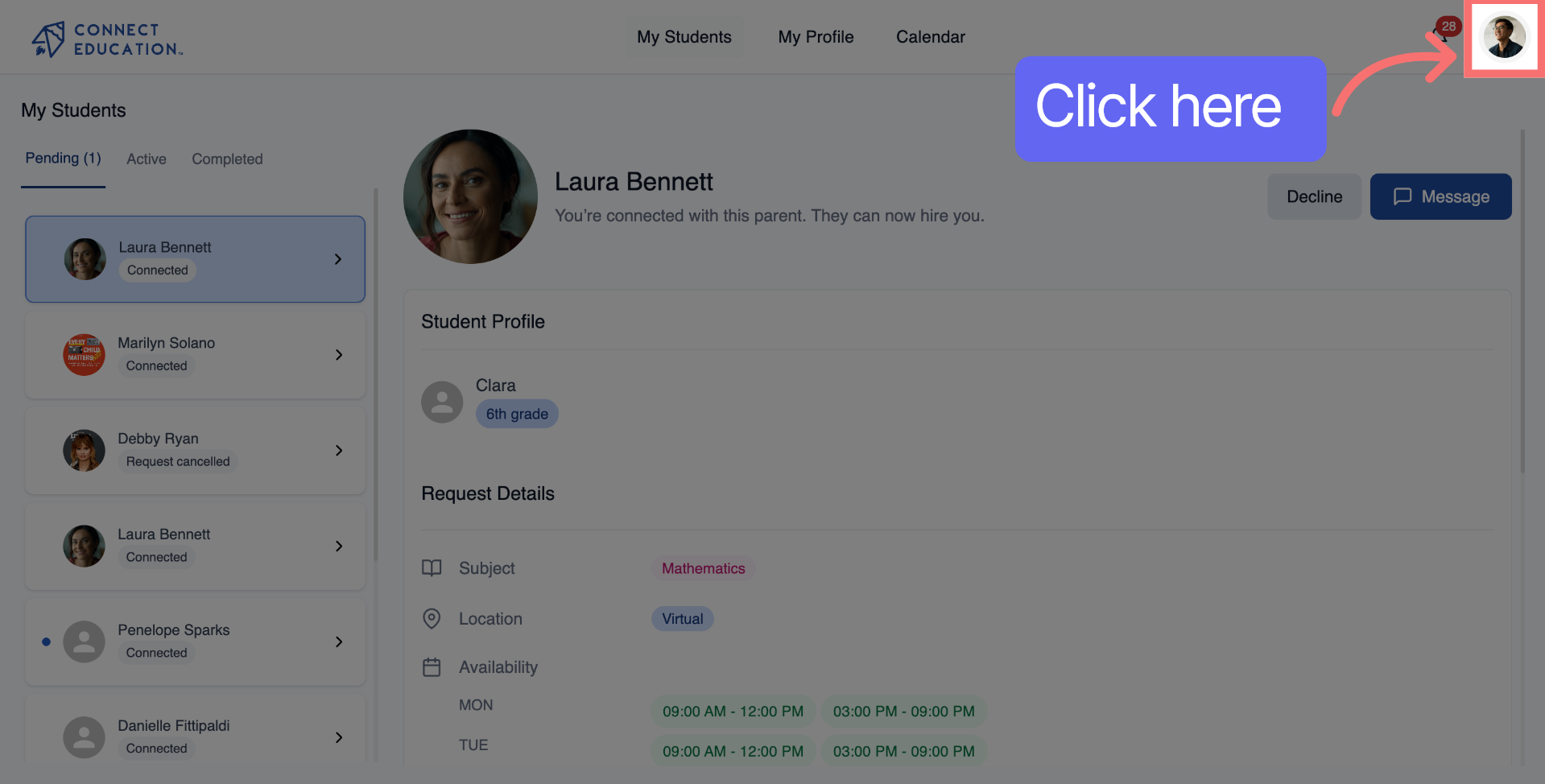
Click "My Account" to access your account settings.
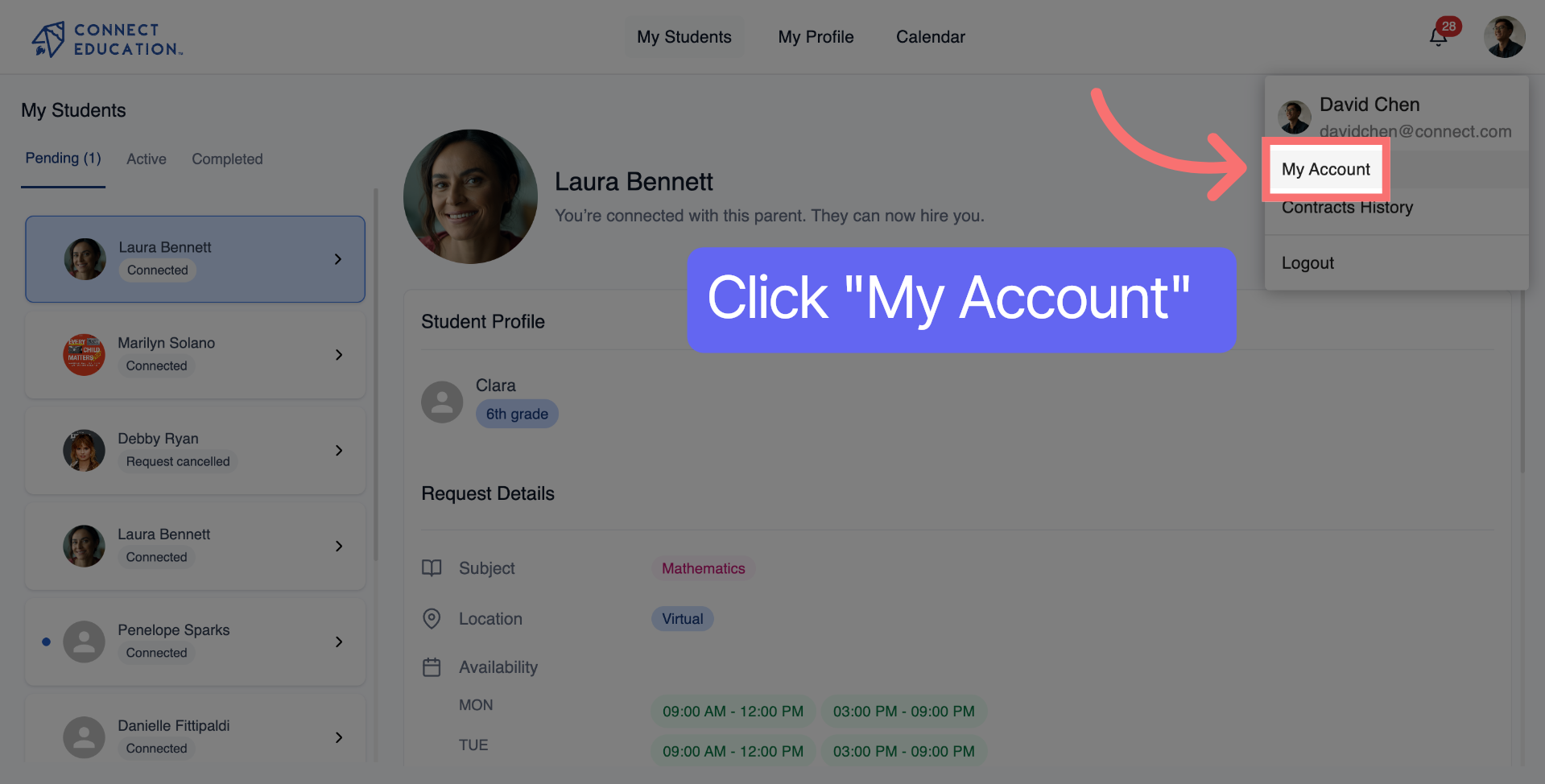
Select "Integrate Calendar" to access the available integration options.
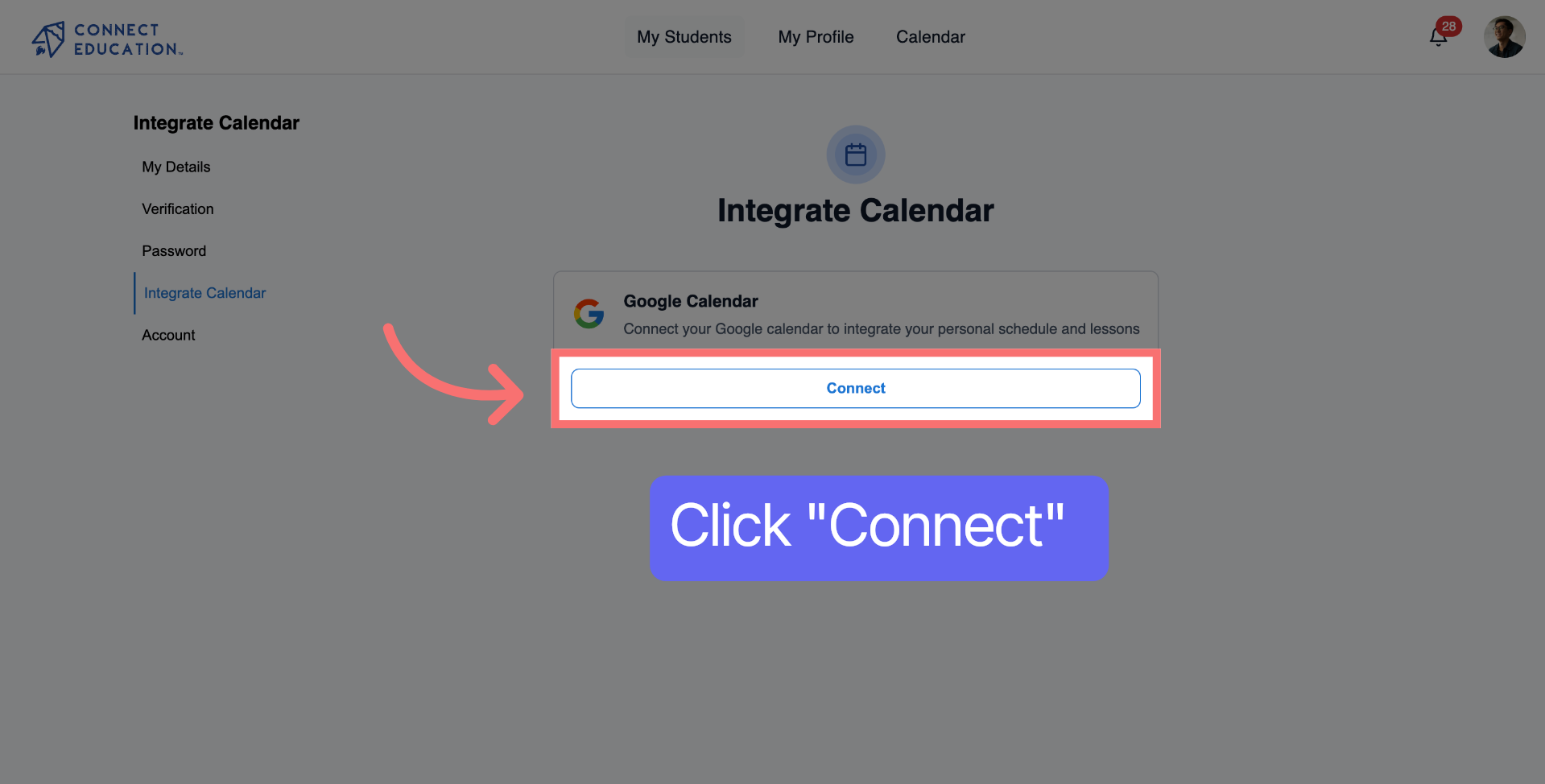
Click "Connect" to start the calendar integration process.
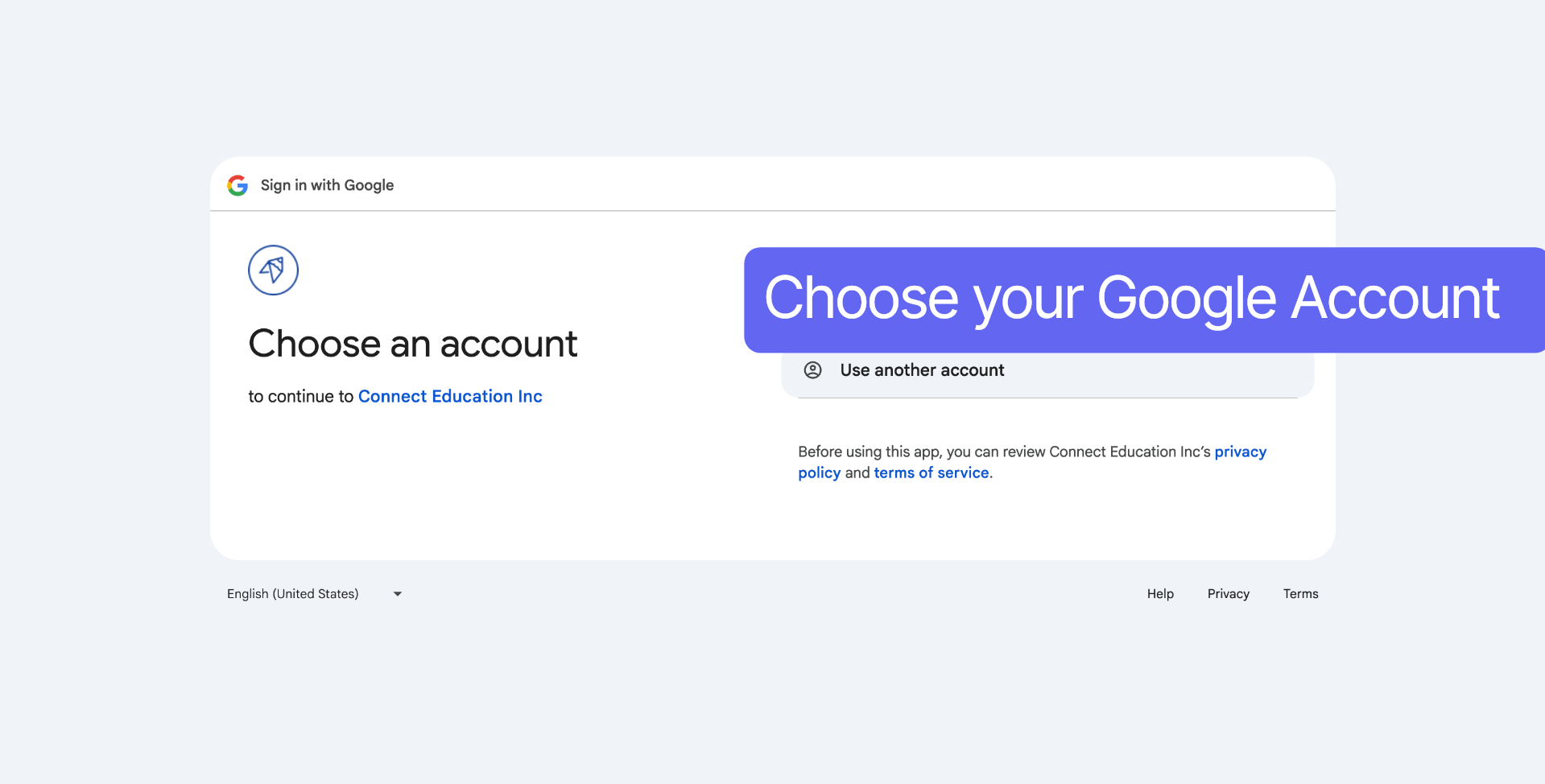
Select the Google account you wish to connect to your Calendar.
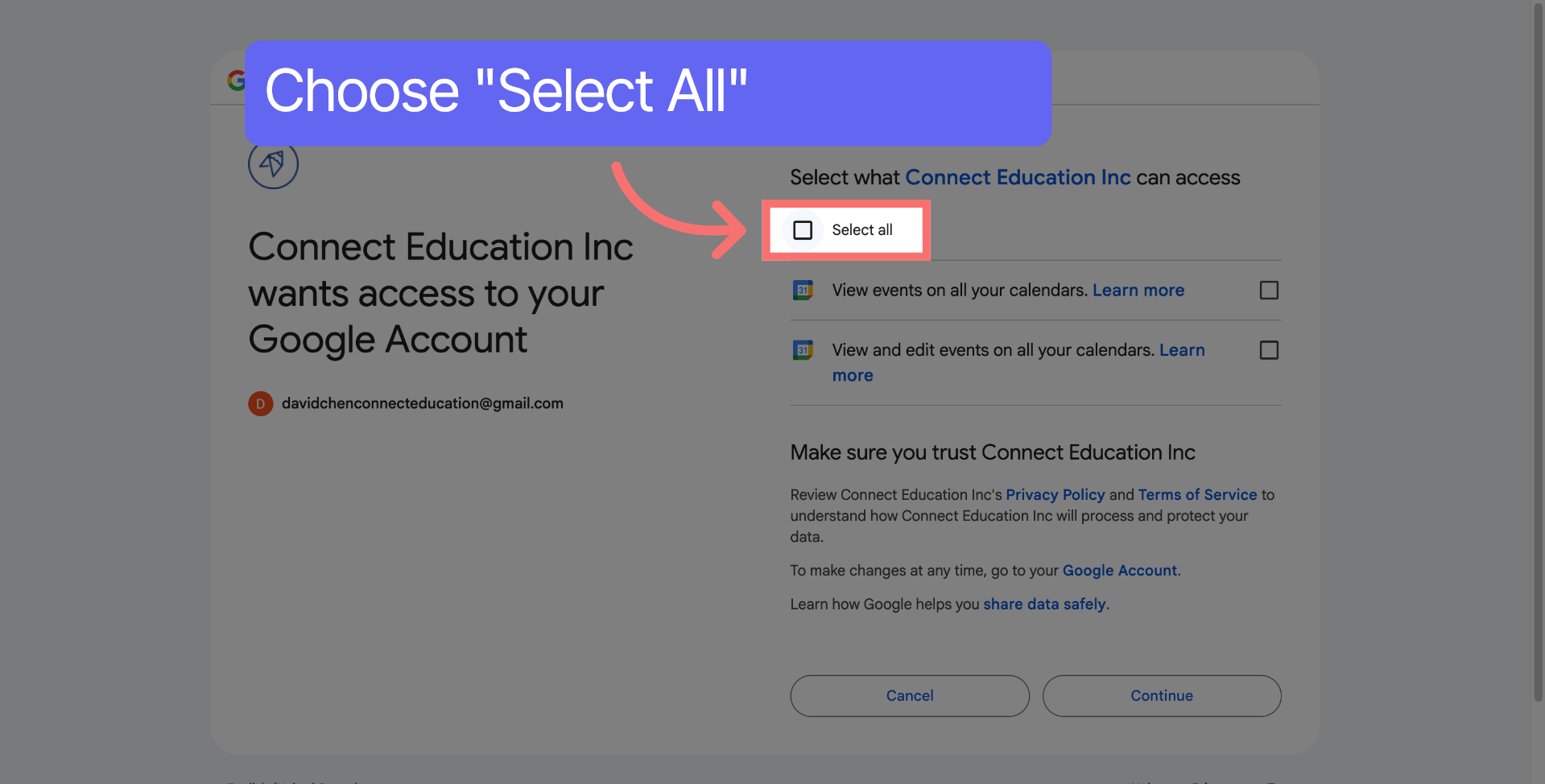
Click "Select all" to grant all necessary permissions for calendar access.
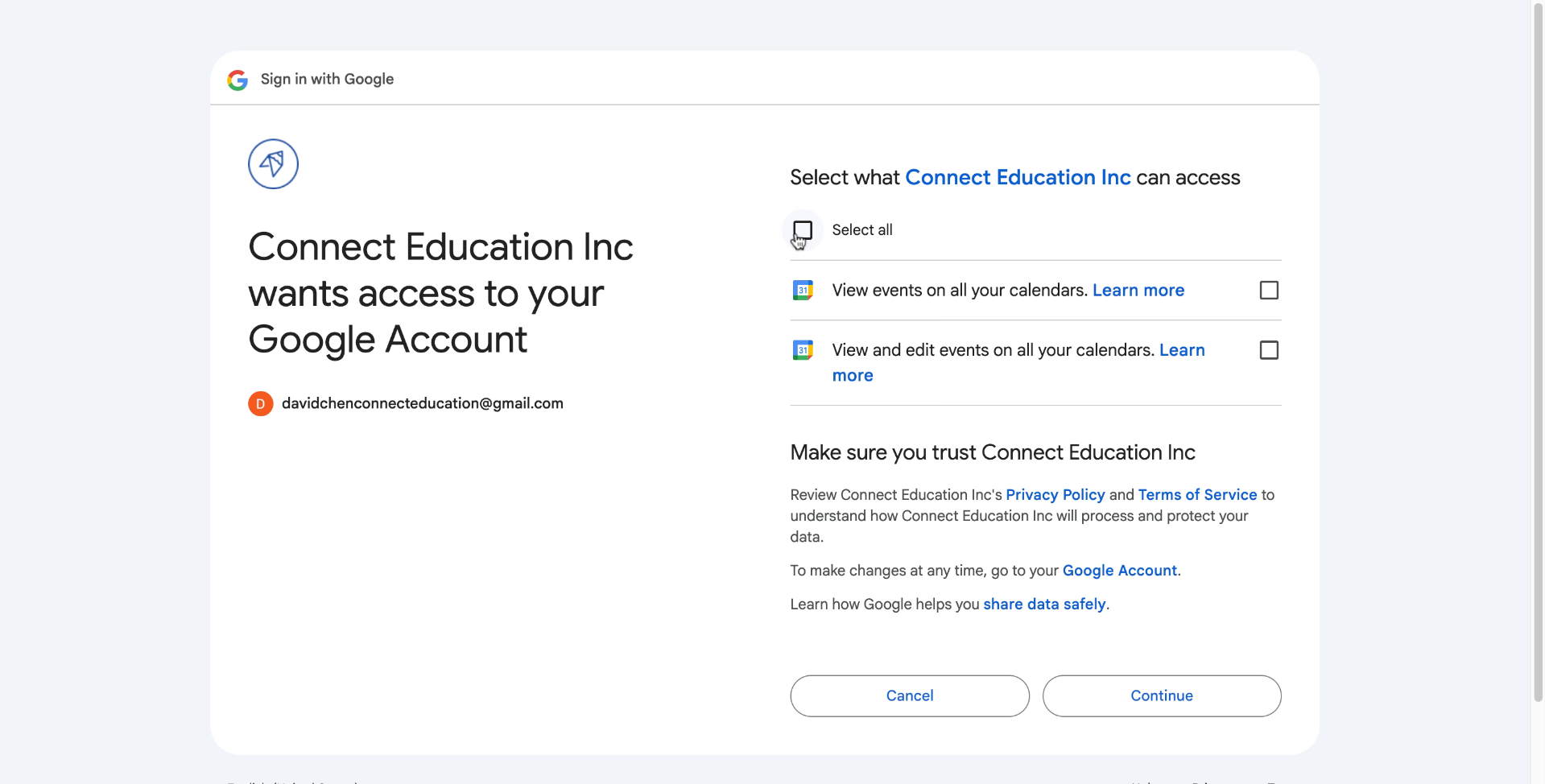
Enable calendar synchronization with Connect Education by clicking "on" and then "Continue." Your Google Calendar is now synchronized with the platform, allowing you to view all scheduled lessons and receive notifications.



Questions about matching, scheduling or pricing? Reach us whichever way suits you, and our team will take it from there.


